iOS App · For the DJ booth
Booth Assist
A live BPM detector and sound level meter for vinyl and hybrid DJs. Point it at the speakers: locked BPM in seconds, related tempos ready for blends, and an estimated booth level riding alongside.
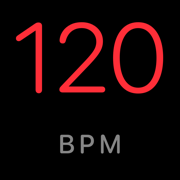
Measured, not promised
Scored against professionally analyzed two-decimal BPMs · holds under simulated booth noise
What it does
A number you can trust
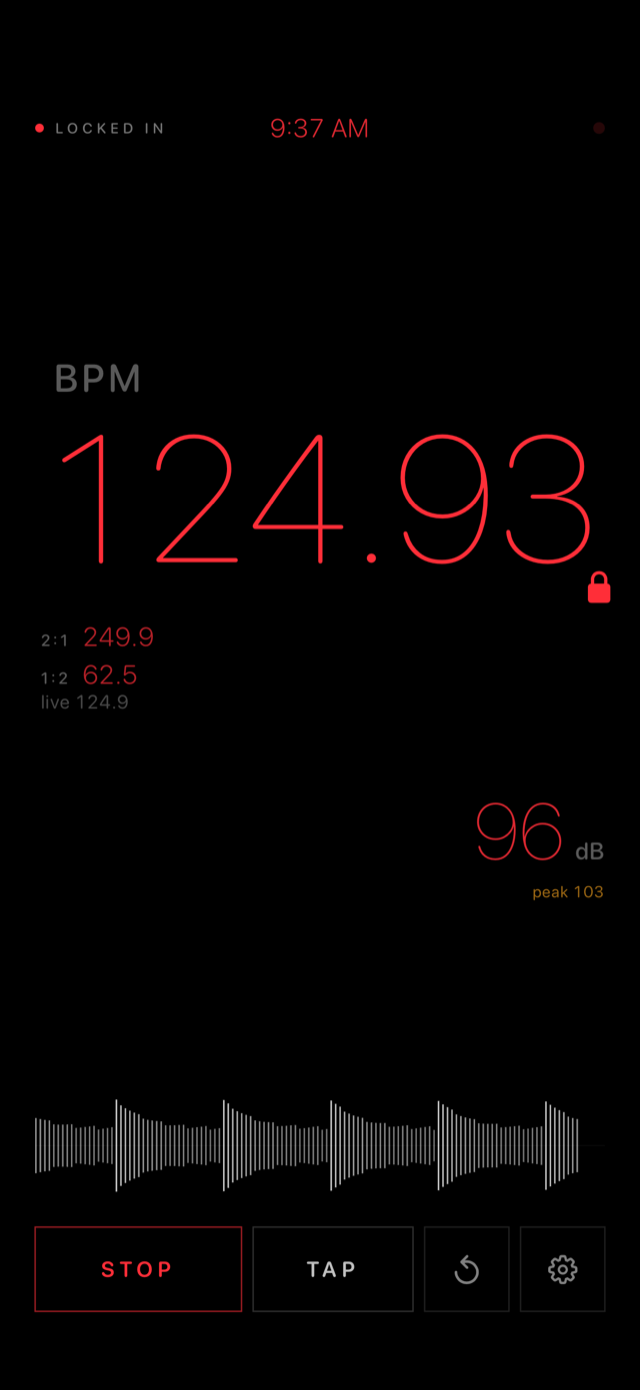
Locks in about ten seconds, refines the longer it listens, and never fakes certainty: decimals appear only once they're real, and no readable tempo means the display says so. Long-press to pin a reading, or tap one in yourself.
Related tempos
Live 2:1 and 1:2 readouts for double-time and half-time blends, plus 4:3, 3:4, 3:2 and 2:3 for polyrhythmic mixing.
A level check alongside
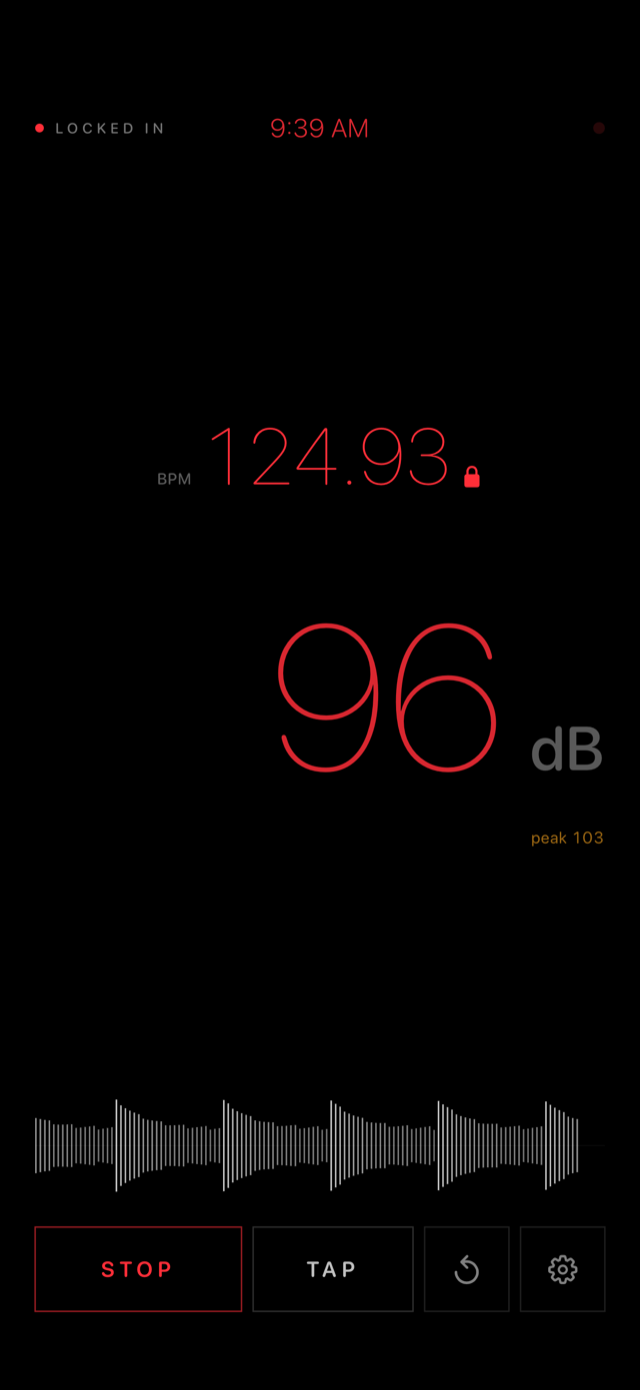
An estimated A-weighted sound level with peak hold and a ±15 dB calibration slider to match a meter you trust. Above roughly 100 dB the mic saturates, so it shows an honest floor instead of a made-up number.
Pay once, own it
No subscriptions, no ads, no account. Nothing is collected: audio is analyzed live on the device and never recorded or transmitted. Every update free.
Built for the booth
Dark rooms, bright days
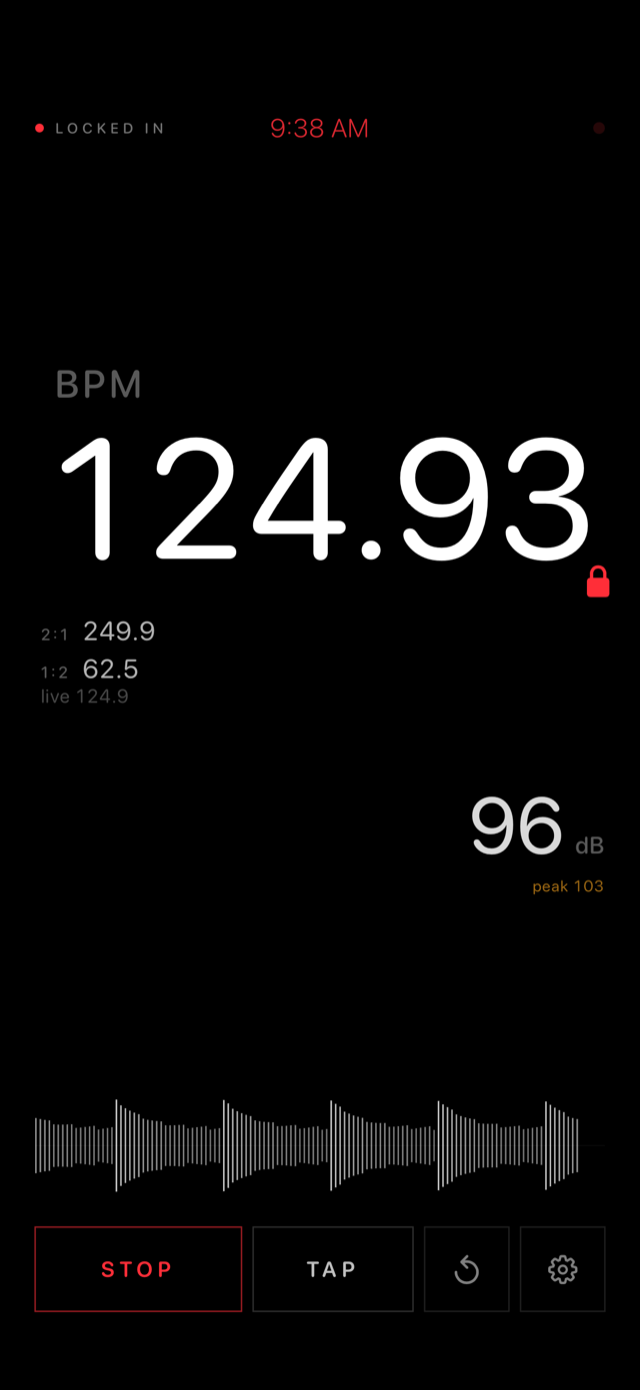
Night mode is dim, minimal and red: legible to dark-adapted eyes without lighting up the booth. Day mode flips to bright white with heavier type for daylight sets and outdoor stages. Hide either readout to give the whole screen to the other.
FAQ
How does BPM detection work, and how do I get a reliable reading?
Booth Assist listens through the microphone, picks out the rhythmic onsets in the music (the analysis is weighted toward kicks and the low end), and finds the tempo that best lines up with that pattern. When the estimate holds steady it locks, then keeps refining over a longer window: the second decimal only appears once it is actually meaningful.
In a loud or messy room:
- Point the phone toward a speaker or booth monitor, not the crowd. Crowd noise and nearby talking slow the lock.
- Sections with a clear, steady kick lock fastest; breakdowns and ambient intros take longer.
- Give it a few seconds and wait for the lock before trusting the decimals.
- Once you have the tempo, long-press TAP to pin the reading so it can't drift. Tapping TAP on the beat enters a tempo manually.
- Readings display in the 90 to 180 BPM window, so slower or faster music shows as its double or half (a 70 BPM track reads 140).
What are the secondary BPM readouts for?
Related tempos: BPMs mathematically related to the detected one. 2:1 and 1:2 (double and half time) are on by default; 4:3, 3:4, 3:2 and 2:3 can be enabled in Settings. They're for planning transitions across tempo relationships - half-time and double-time blends, or polyrhythmic mixes that ride three against four. If the current track sits at 170, the 3:4 readout shows 127.5: the tempo a house record needs to lock into that blend.
Why doesn't the dB reading match a dedicated SPL meter?
The readout is an estimated A-weighted sound pressure level derived from the phone's microphone, and phone microphones vary from model to model. To calibrate: open Settings > Sound Level Meter, play steady music, compare the live reading against a reference meter, and adjust the calibration slider (up to ±15 dB) until they agree.
Two caveats. This is reference metering, not certified metering: fine for judging booth and room levels, not a substitute for a certified meter where hearing-safety rules or regulations are involved. And iPhone microphones saturate around 100 to 105 dB SPL - inside booth levels. When the input clips, the app flags it and the reading should be treated as a floor, not the actual level.
Which devices are supported?
iPhone and iPad running iOS 16 / iPadOS 16 or later.
Is my audio recorded?
No. Audio is analyzed on the device in real time and is never stored or transmitted. The app makes no network connections at all. Details in the privacy policy.
Contact
Support
Questions, bug reports, feature requests: spencermrussell@gmail.com. If you're reporting a problem, include your device model and iOS version.